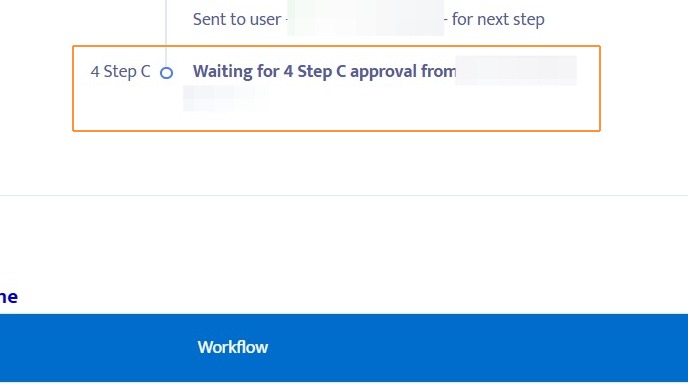
Learn how to use the setting Enabled User Approver Routing to allow for more flexible routing with Helios workflows.
Setting up a workflow with User Approver Routing
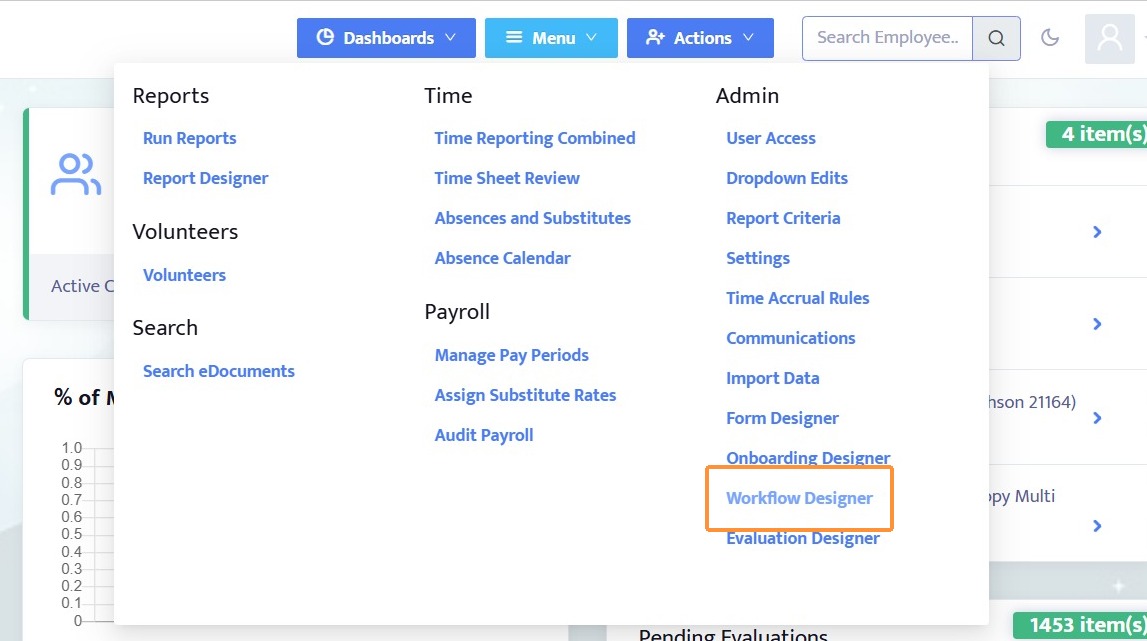
1. Navigate to the Workflow Designer
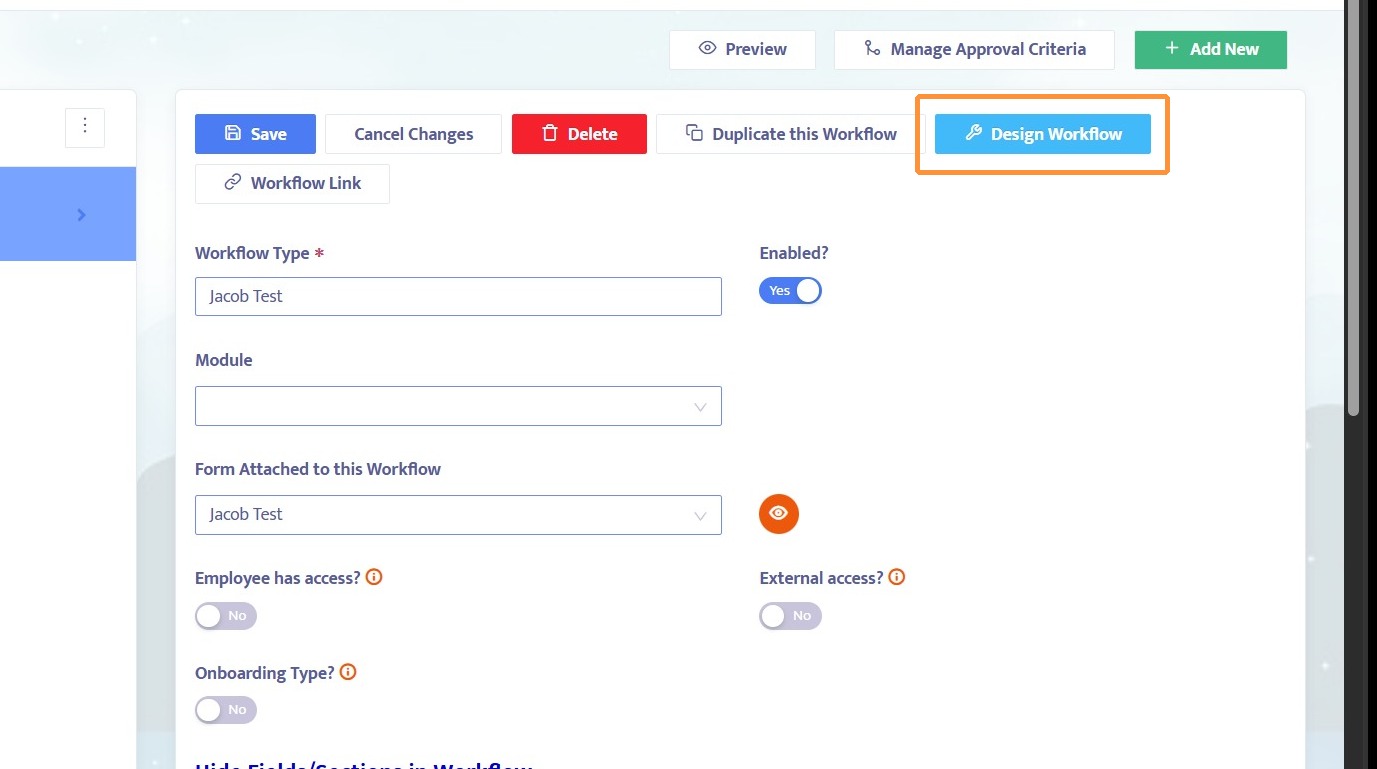
2. Create a workflow template or use an existing one, then click Design Workflow
3. Select a step, remove all approvers on that step, and set Enable User Approver Routing to Yes
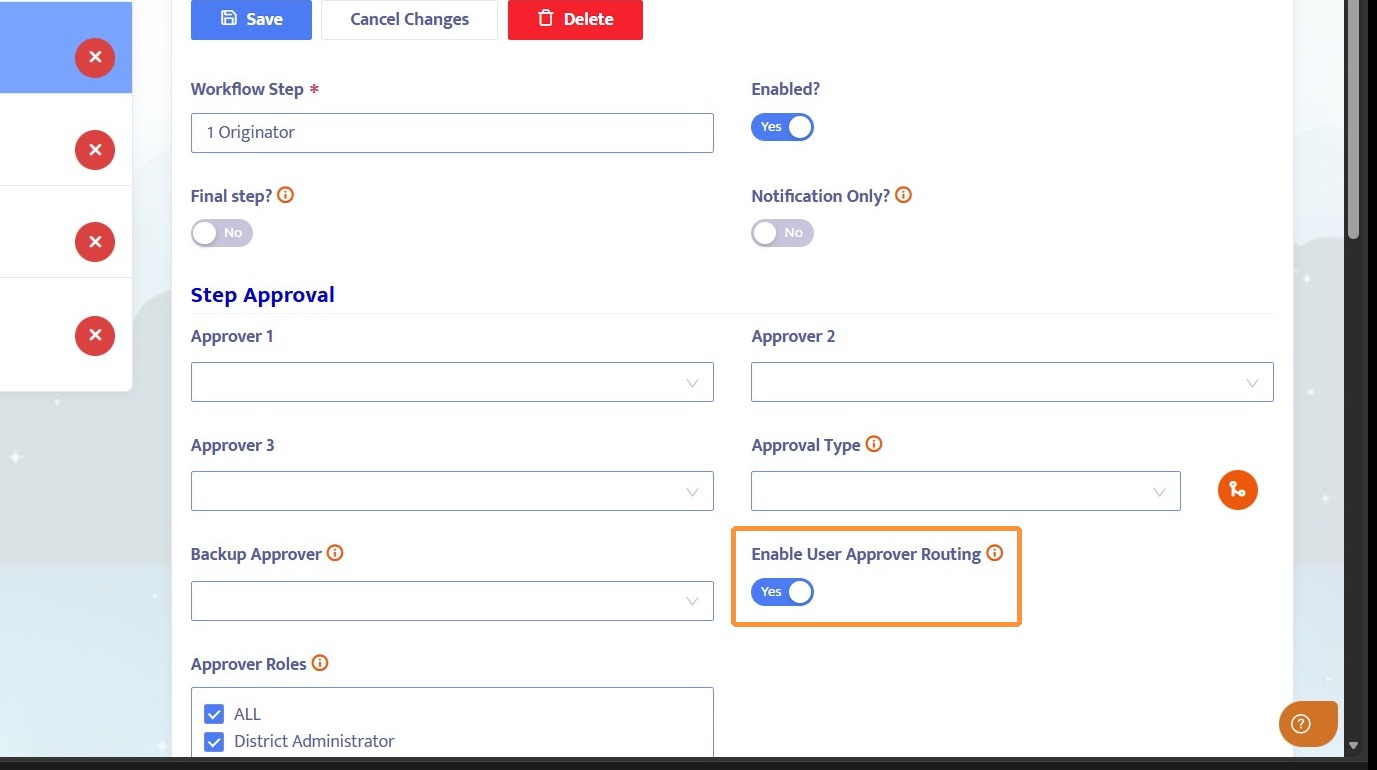
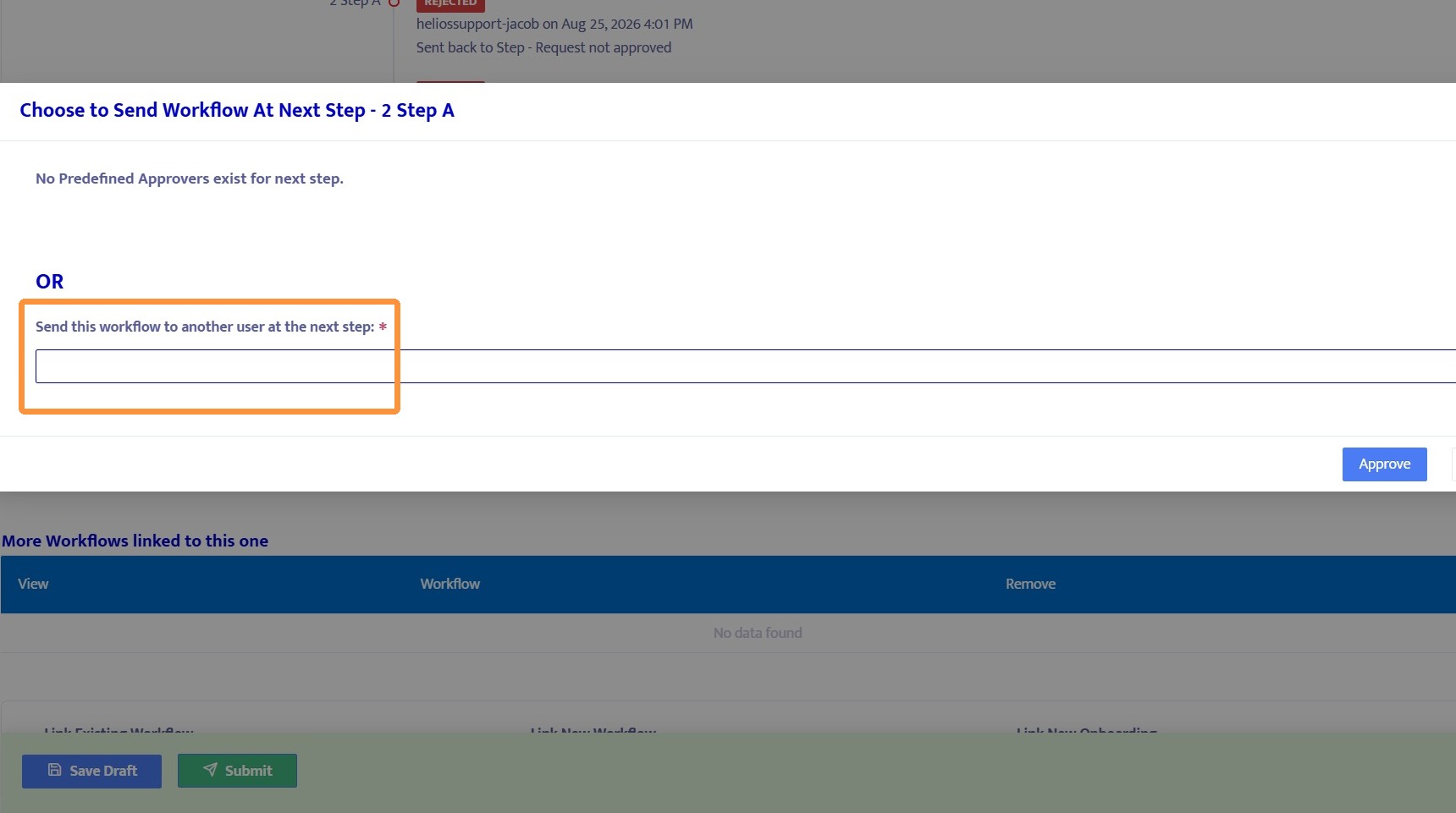
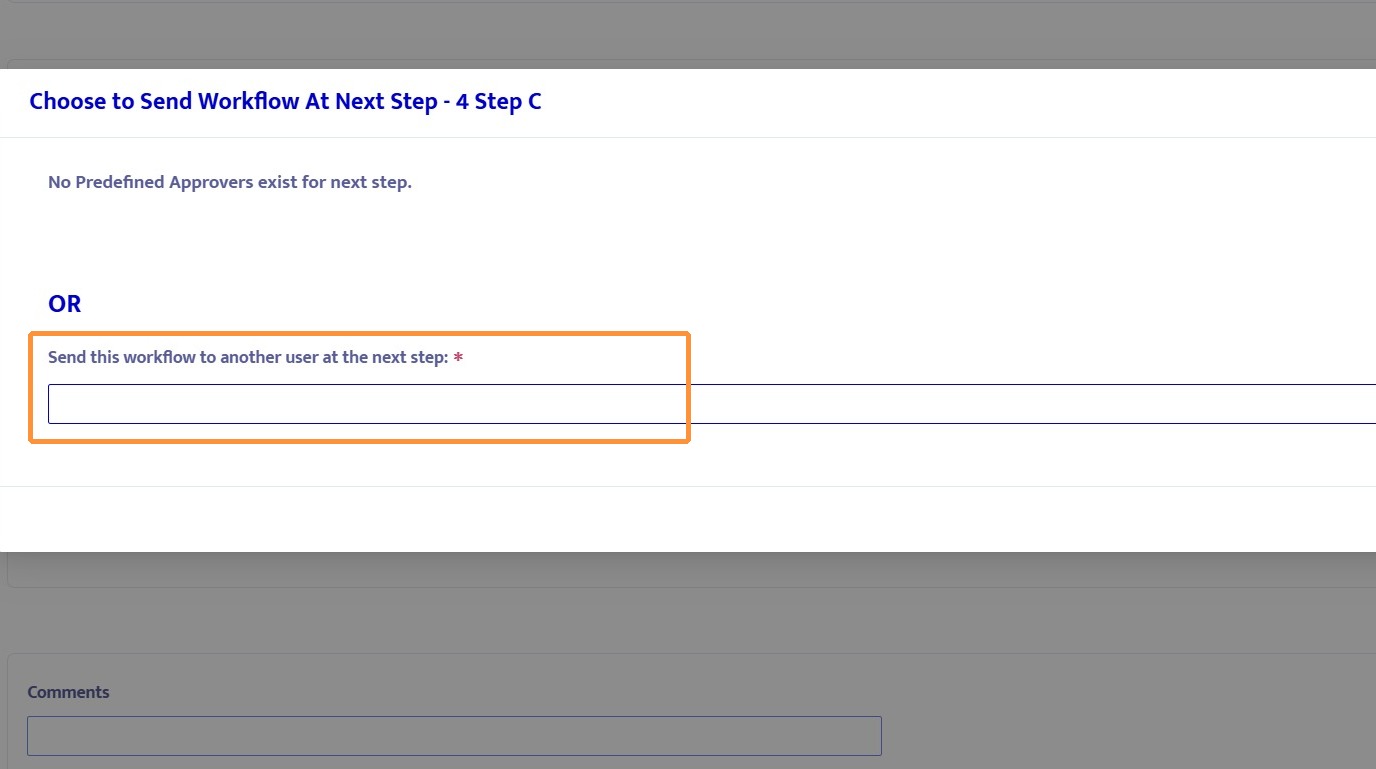
4. When Enable User Approver Routing is set to Yes, approving a workflow at this step will prompt the user to select someone as the approver on the next step
Approving a workflow with User Approver Routing
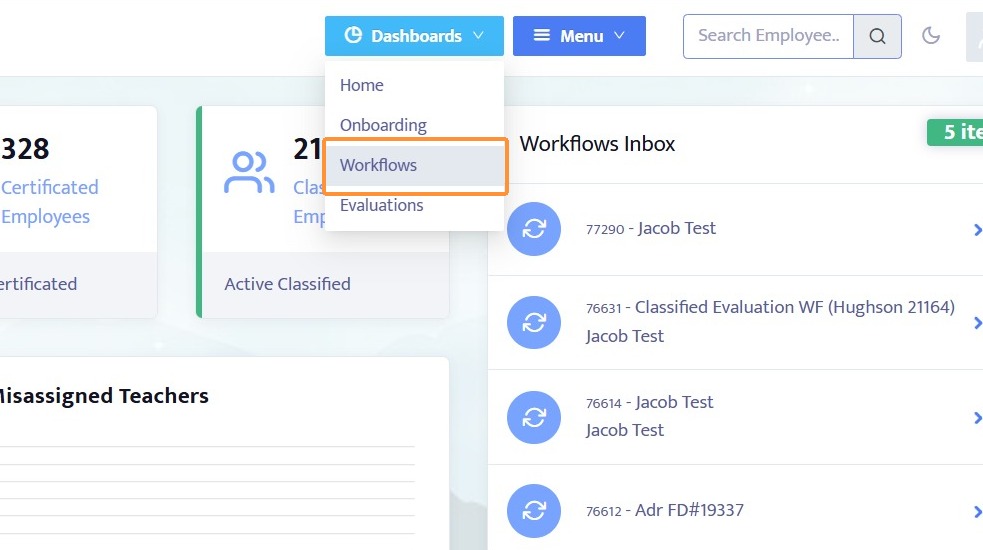
5. Navigate to the Workflows Dashboard
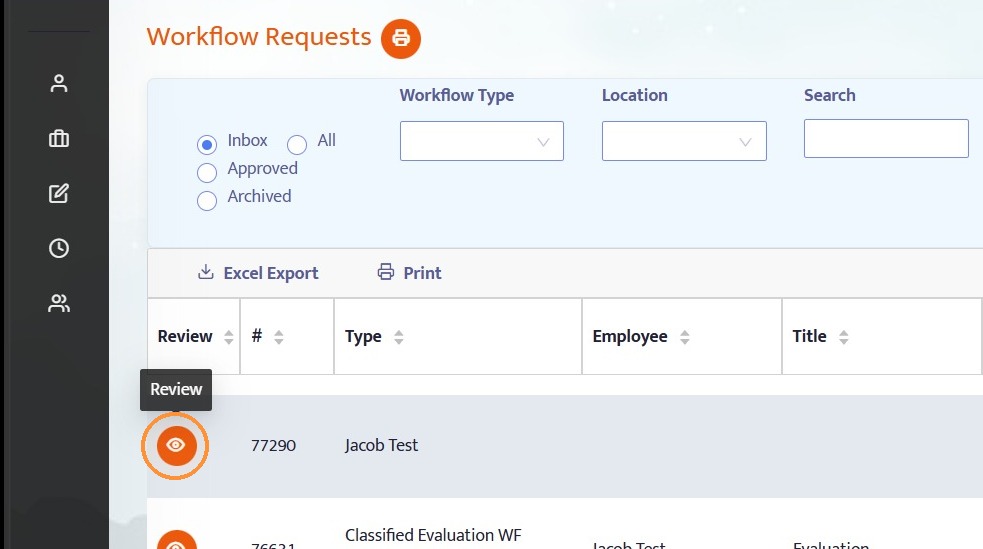
6. Click Review next to a workflow to view it
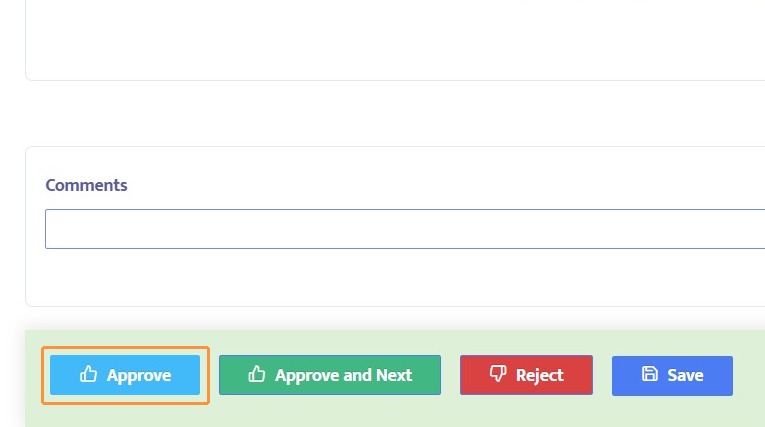
7. Click Approve to approve the workflow
8. Select a user in the drop-down menu to set them as the next approver
9. Once an approver has been selected, click Approve
10. The workflow will route to the next step using the new approver