
Assignments and Misassignments
This guide explains how Helios reviews and evaluates assignments for compliance. It walks through when an assignment is checked, what conditions cause it to be skipped, and how the system determines whether it is marked compliant or misassigned.
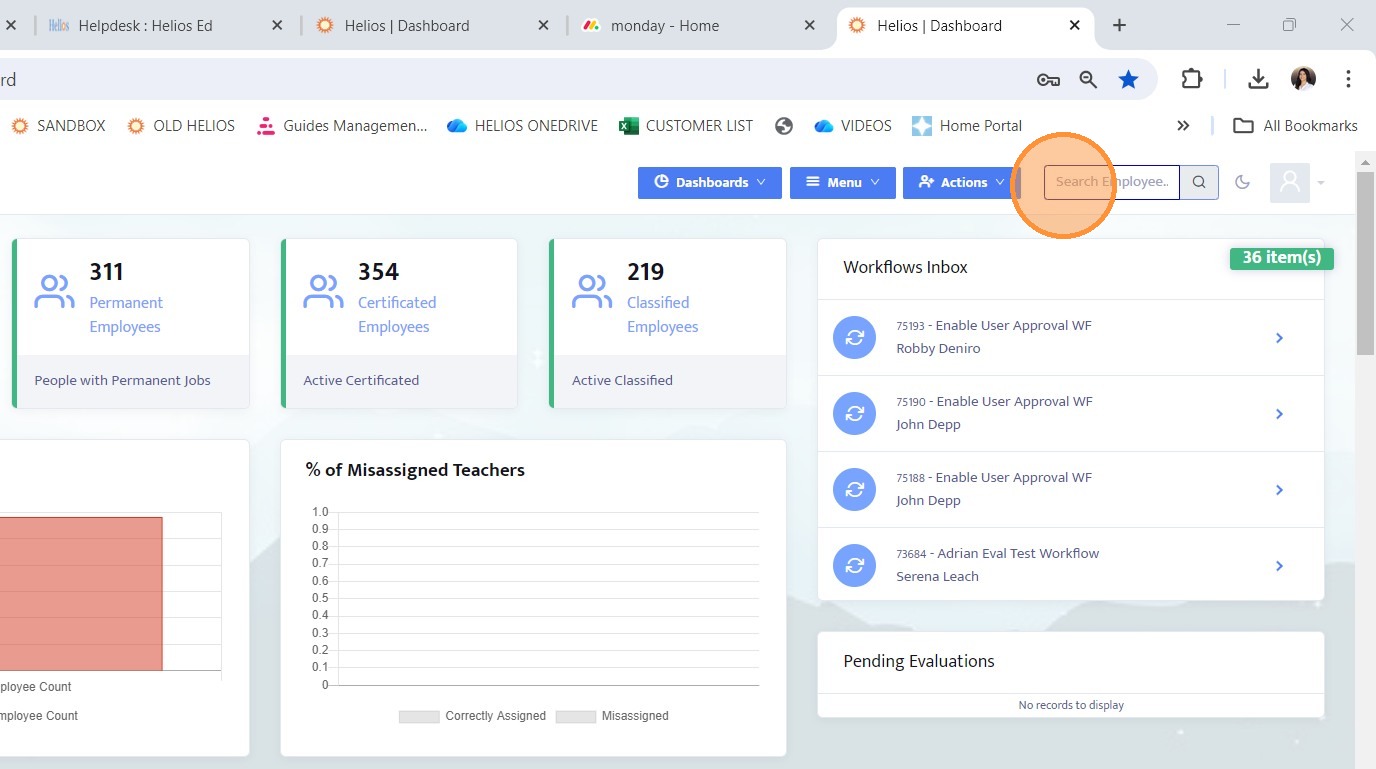
1. Search for the employee whose assignments you are trying to view.
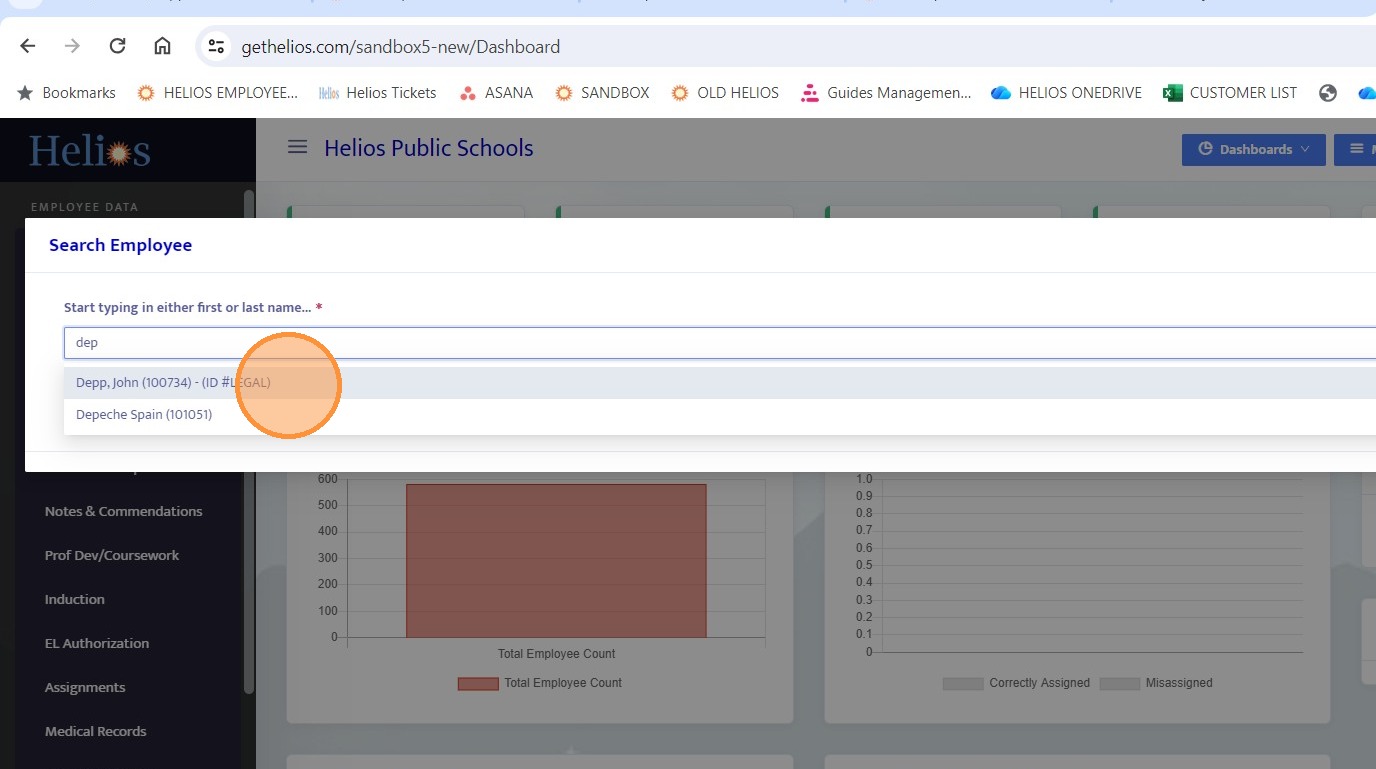
2. Select the desired employee
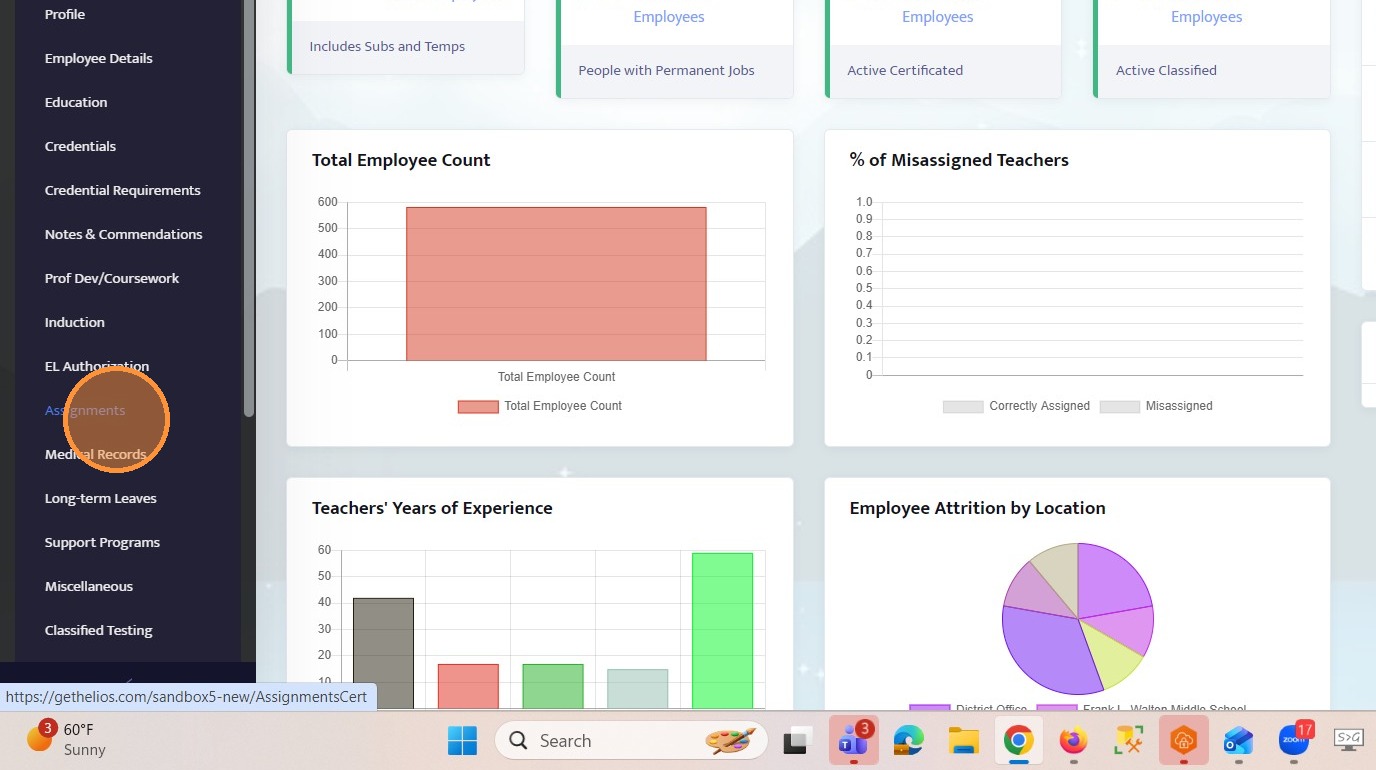
3. Navigate to the Assignments tab
4. How Assignments Are Reviewed in Helios
When an assignment is evaluated in Helios, the system determines whether it is:
Compliant
Misassigned
Blank or Not Checked
5. How to Check for Misassignment:
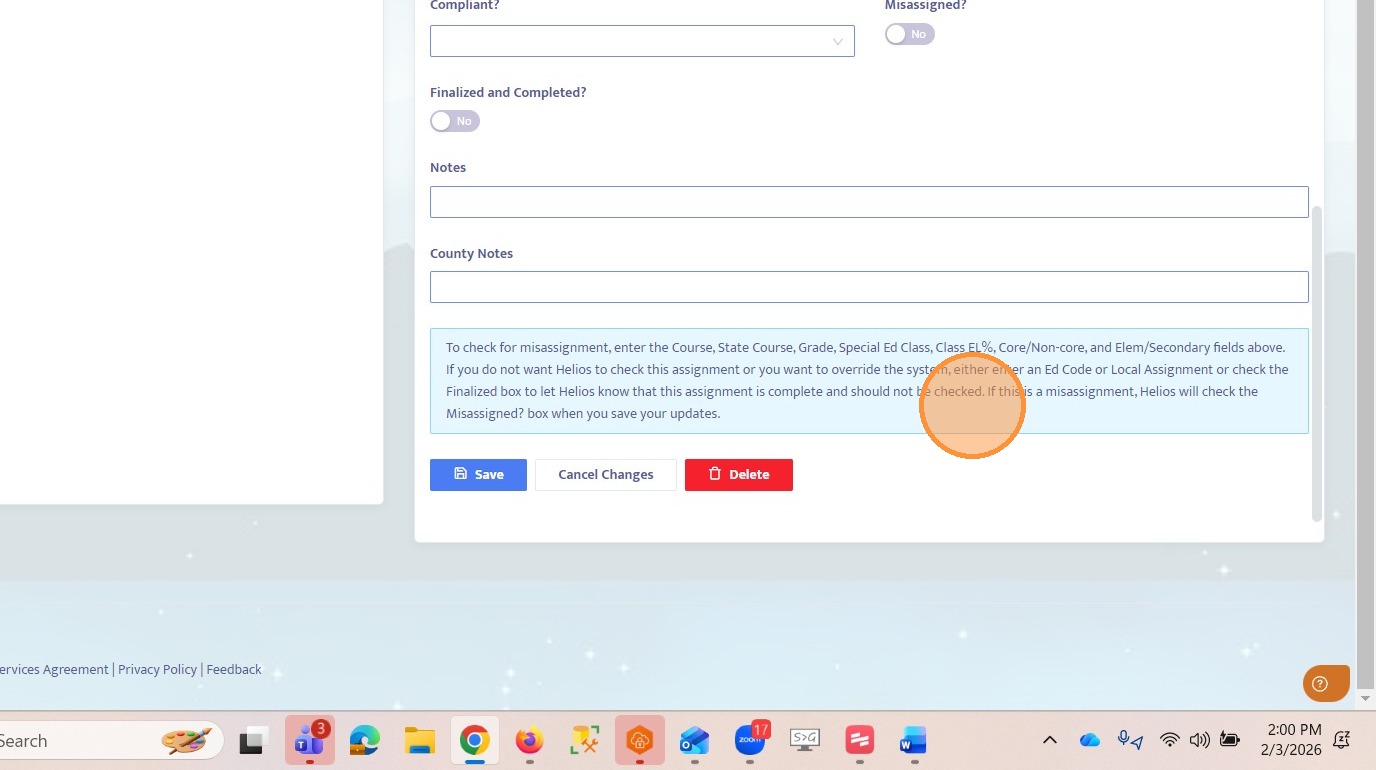
To check for misassignment, enter the Course, State Course, Grade, Special Ed Class, Class EL%, Core/Non-core, and Elem/Secondary fields above. If you do not want Helios to check this assignment or you want to override the system, either enter an Ed Code or Local Assignment or check the Finalized box to let Helios know that this assignment is complete and should not be checked.
If this is a misassignment, Helios will check the Misassigned? box when you save your updates.
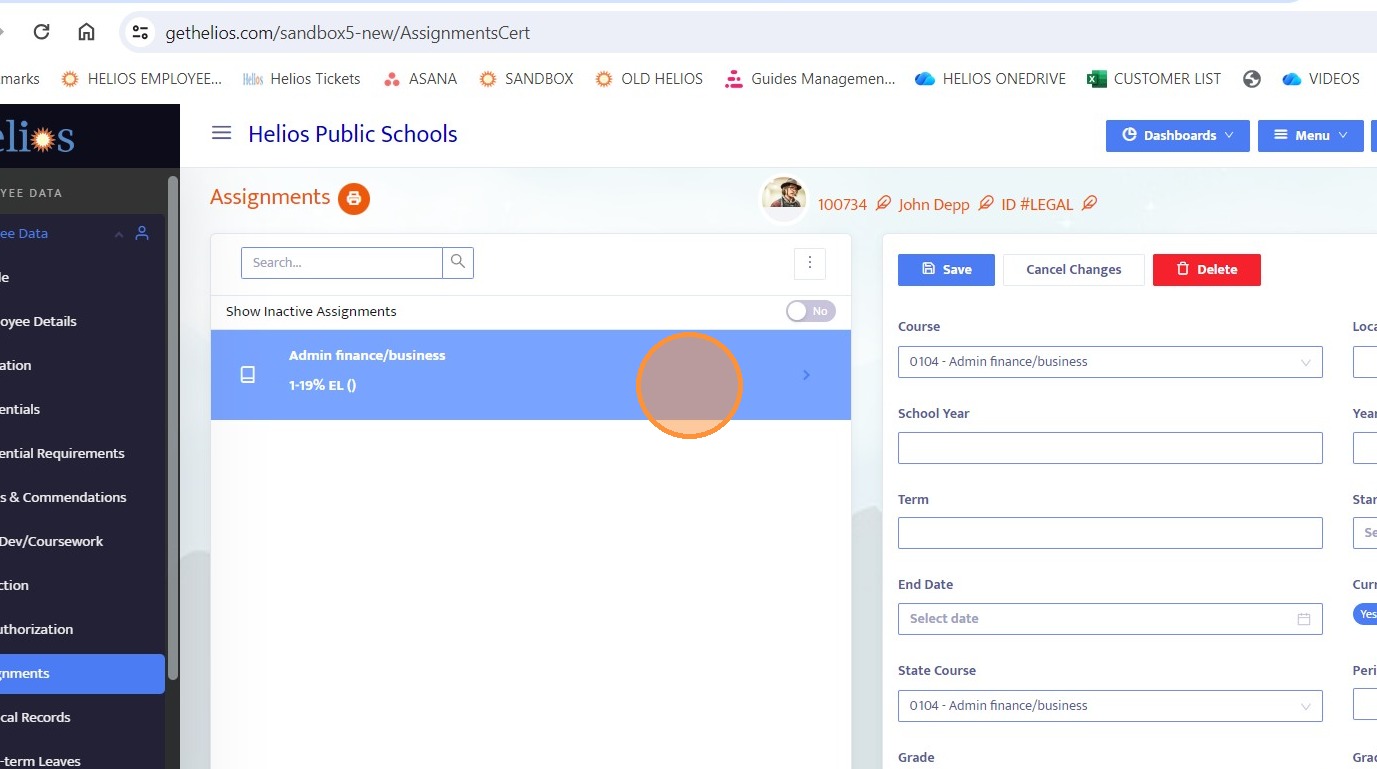
6. Blank or Not Checked
This means the system did not evaluate the assignment at all.
Why would this happen?
Certain conditions tell the system not to run compliance checks. When that happens, the assignment is skipped and no compliance result is generated.
Common reasons an assignment is skipped:
• The assignment is finalized
• An Education Code override exists
• A local assignment override is marked “Yes”
• The assignment is non-teaching
• There is no subject group tied to the course
• The course is non-classroom
• The course allows credential mismatch
• The course is labeled “Other Instruction”
• The subject is non-core
Result:
No compliance determination is made.
The system will indicate that the assignment was skipped and not checked.
Important: Blank does not mean compliant or misassigned. It simply means it was not evaluated.
When an Assignment Is Checked
If none of the skip conditions apply, Helios clears any prior results and runs three independent checks:
Credential Title
Subject Authorization
English Learner Authorization
If any one of these checks fails, the assignment is marked as Misassigned.
7. Compliant
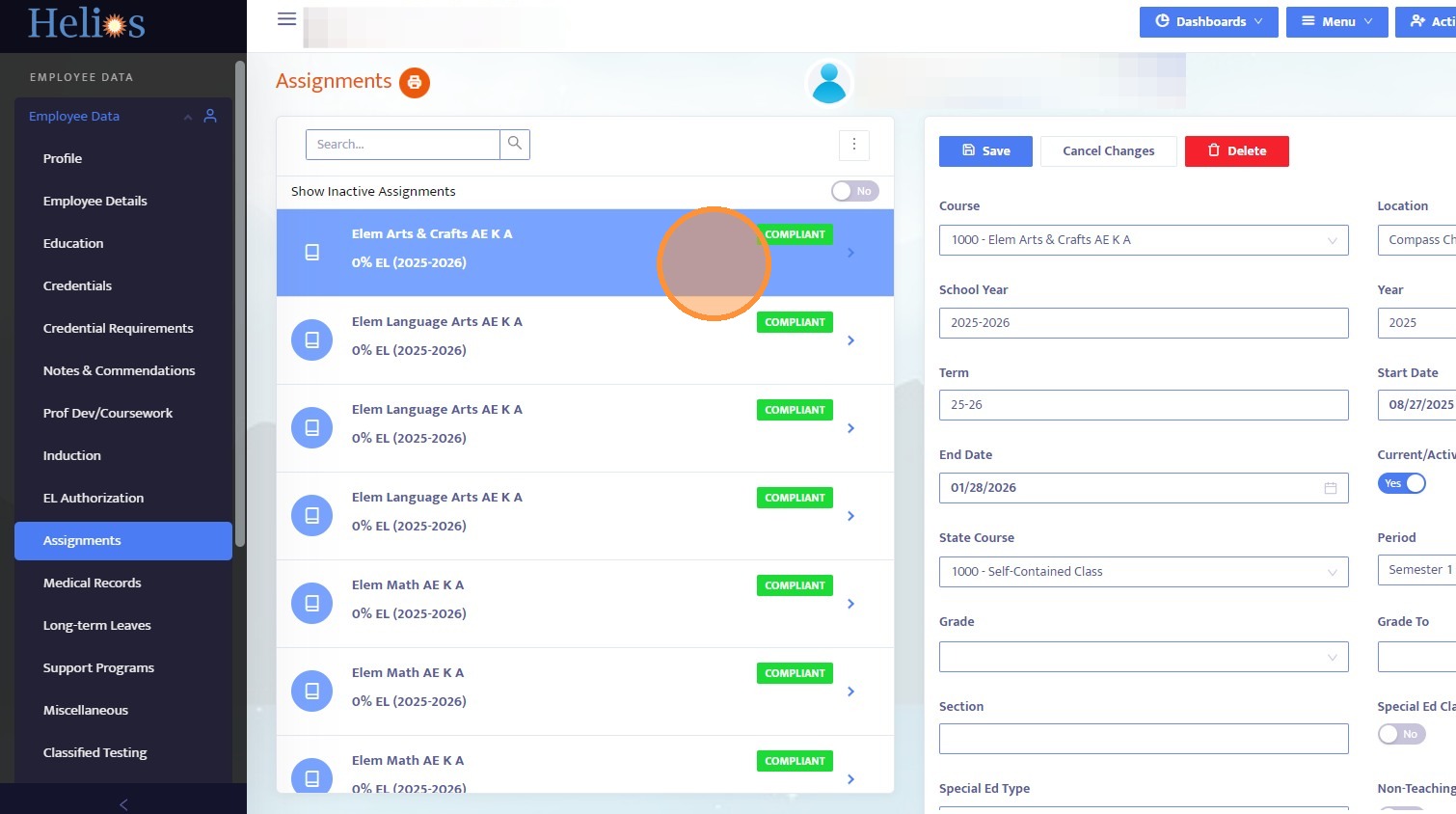
An assignment is marked Compliant when it passes all required checks.
To be compliant:
• The credential title matches the assignment type
• The subject authorization covers the course being taught
• EL authorization exists if English Learner students are present
System Result:
bMisassigned = 0
NCLBCompliantID = 1
System Message:
Appears appropriately authorized. Final review required.
Note: Even compliant assignments should still receive final review by a credential specialist.
8. Misassigned
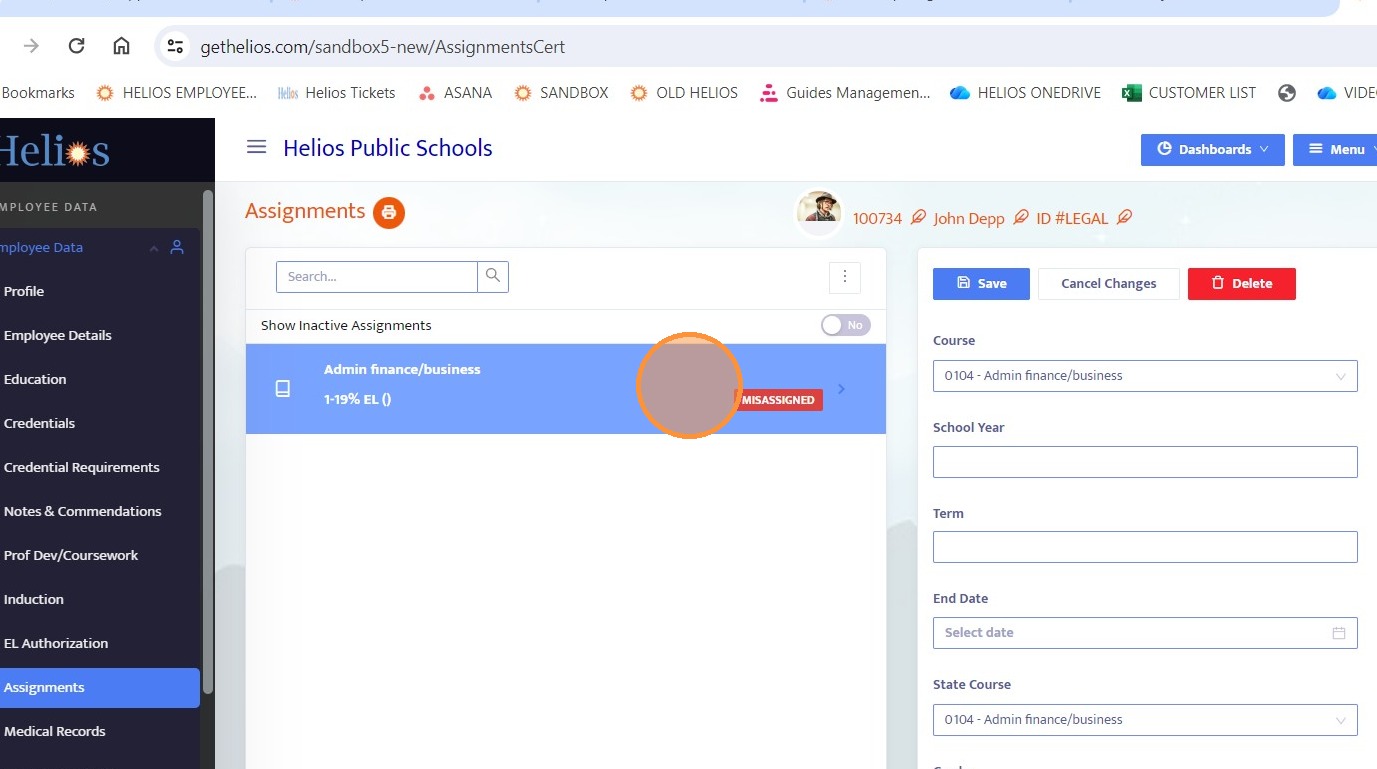
An assignment is marked Misassigned if one or more checks fail.
System Result:
bMisassigned = 1
NCLBCompliantID = 2
The system message will indicate which area failed:
• Credential title
• Subject authorization
• EL authorization
9. What Each Check Looks For
Credential Title Check
This ensures the credential type matches the assignment type.
Examples:
• Regular education assignments require the correct credential title
• Special education assignments require a Special Ed credential
• CTE assignments require a CTE credential
• Substitute assignments are allowed with a substitute credential
If the credential title does not match the assignment type, the assignment fails this check.
10. Subject Authorization Check
This ensures the credential covers the subject being taught.
This check may fail if:
• There is no major or minor match to the subject
• A minor authorization is used for grades above 9
• A Special Ed assignment lacks proper Special Ed authorization
This check may be skipped in certain cases, such as substitute credentials or multiple-subject credentials teaching core/self-contained classes.
11. English Learner Authorization Check
This only applies when EL students are present.
It fails if:
• EL students are assigned to the class
• The teacher does not have embedded EL authorization
It is skipped when:
• There are no EL students
• The teacher holds a substitute credential